WordPress plugins for WooCommerce
WooCommerce plugins that just work.
Yelva makes lightweight, dependable plugins that help online stores answer customers and sell more, without slowing your site down.
Free version available · 14-day money-back guarantee on Pro · No tracking cookies
Featured plugin
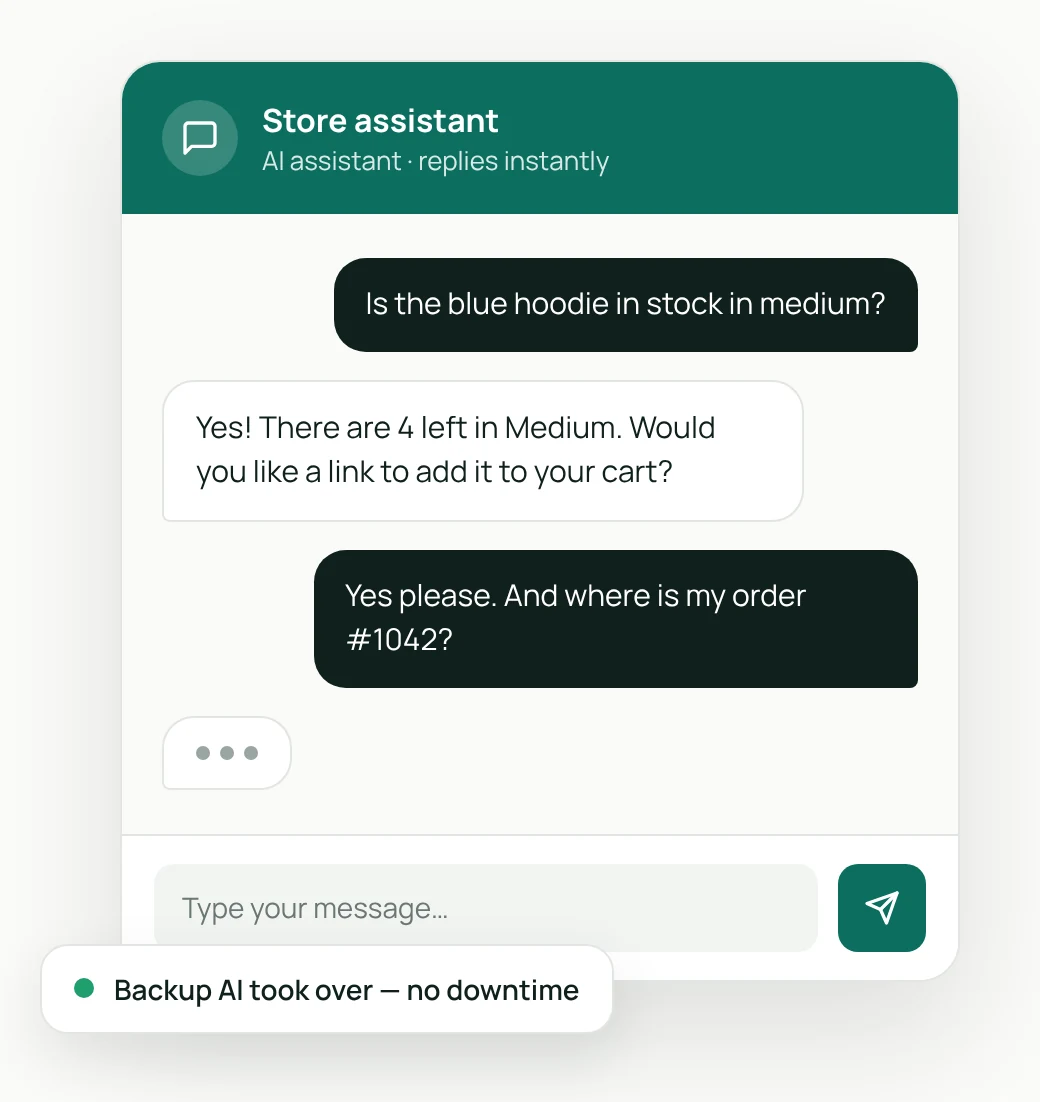
Yelva Chat: AI support that never goes quiet.
An AI chat assistant for WooCommerce that knows your products, answers order questions, and switches to a backup AI if one service goes down.
Why Yelva
Built the way store owners wish plugins were.
01
Lightweight
No bloat and no page builders. Our plugins load only where they are needed, so your store stays fast.
02
Dependable
Designed to keep working when something outside your control fails, with backups built in, not bolted on.
03
Respectful of privacy
No hidden tracking. You use your own AI accounts, you keep control of your data, and sharing anything is always your choice.
Getting started
Up and running in minutes.
Step 1
Install the plugin
Add Yelva Chat to your WordPress site like any other plugin and activate it.
Step 2
Connect your AI service
Paste the API key from your AI service account. Add a second one as a backup.
Step 3
Switch the chat on
Choose where the chat appears and add a few answers about your store. That’s it.
More plugins are on the way.
Yelva Chat is our first plugin. We’re building more tools to help WooCommerce stores run smoothly. Follow the blog for news.
Give your store a helper that never sleeps.
Start with the free version. Upgrade to Pro when you need more.